 SyncFood
Point of sale
Dine-in, takeaway and delivery billing, split settlement, discounts and customer dues.
Bill in a tap, fire orders to the kitchen instantly, take every payment method and keep running when the internet drops. Then see every outlet live from your phone.
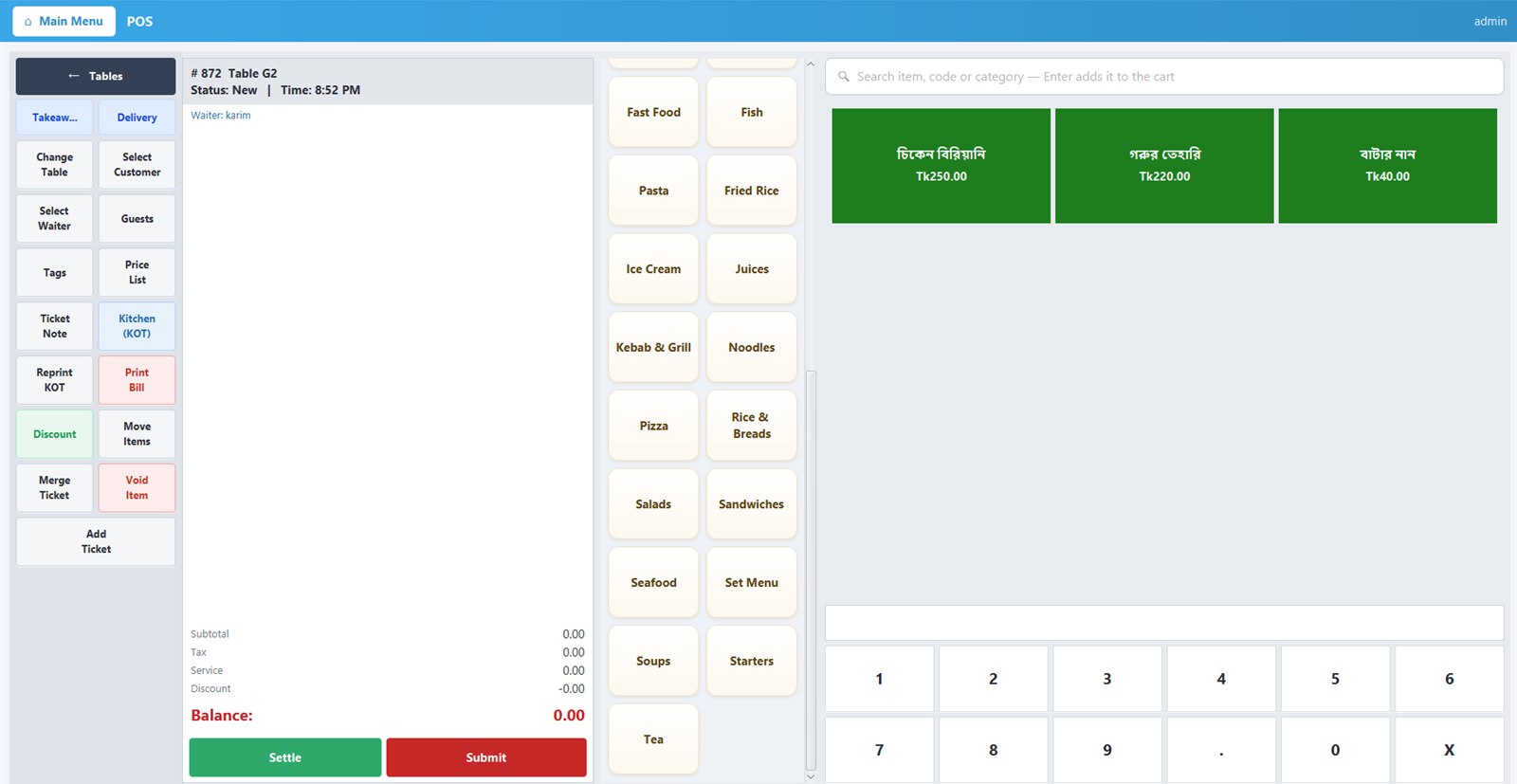
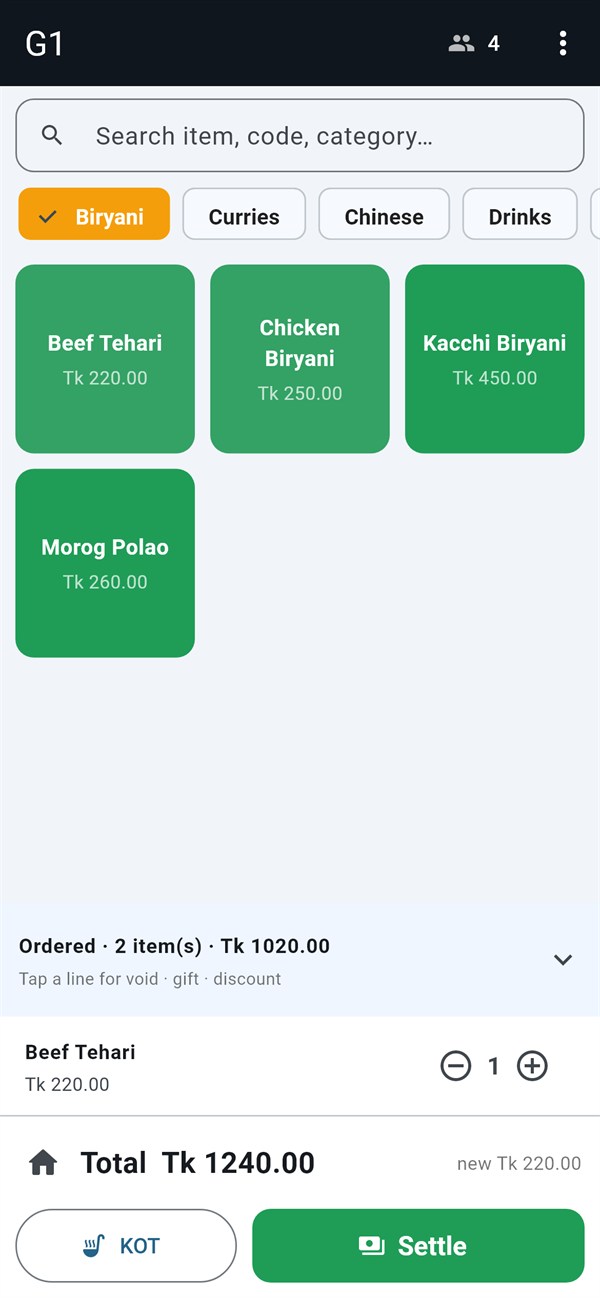
Recorded on a live SyncFood till: open table G4, add two Kacchi Biryani, a Beef Tehari and two Borhani, settle Tk 1,426 in cash and give Tk 74 change. No edits to the till's speed.
Every screen below is the live SyncFood till. Big touch targets, one-tap actions and nothing between your cashier and the next guest.
Categories, menu buttons, instant search and a keypad on one screen, with every ticket action one tap away.
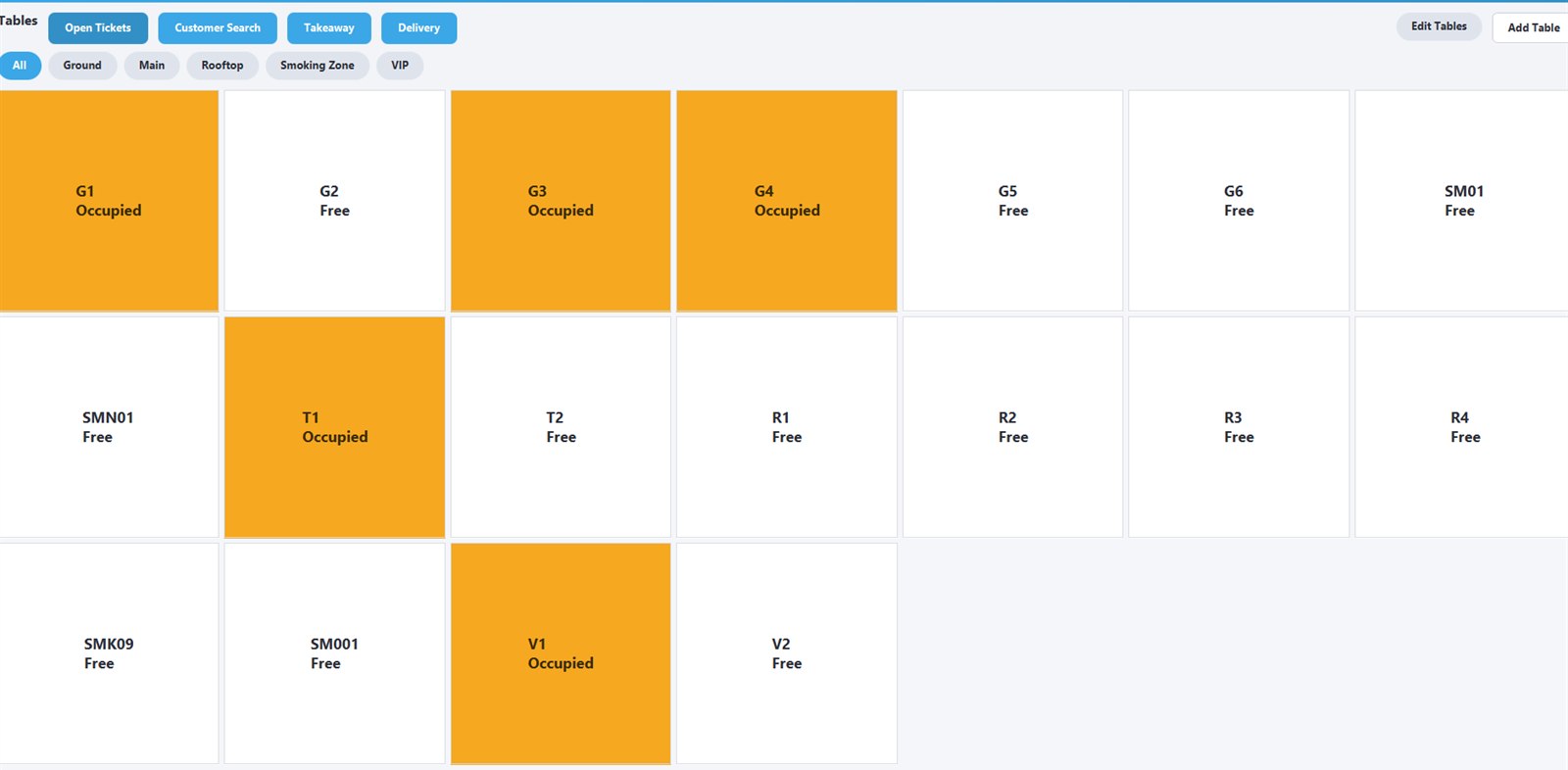
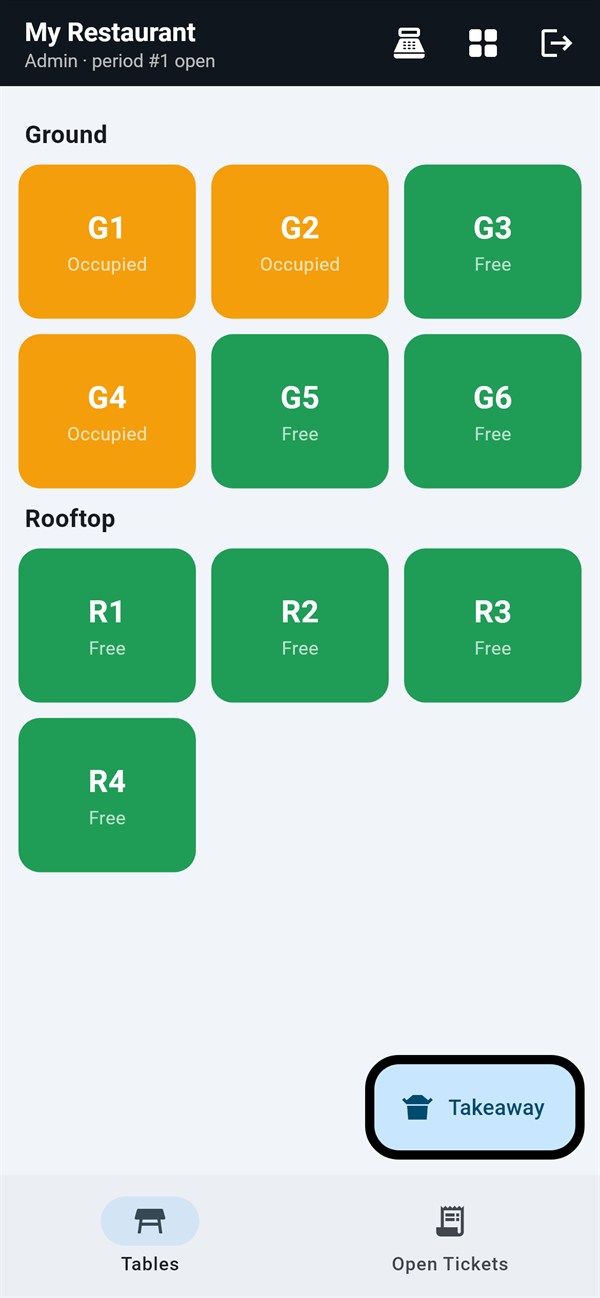
Occupied tables light up the moment an order opens. Filter by zone and jump straight into any table.
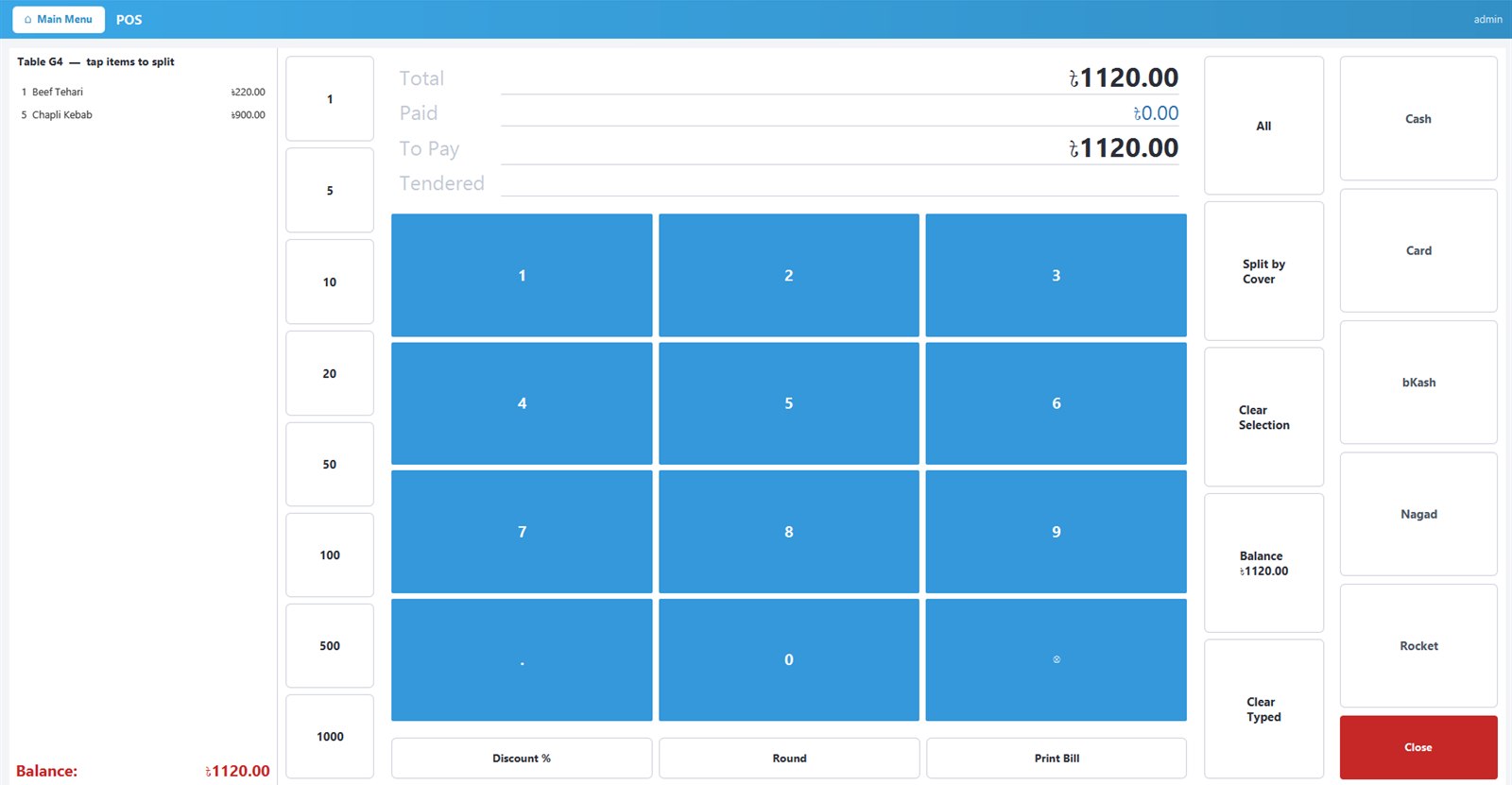
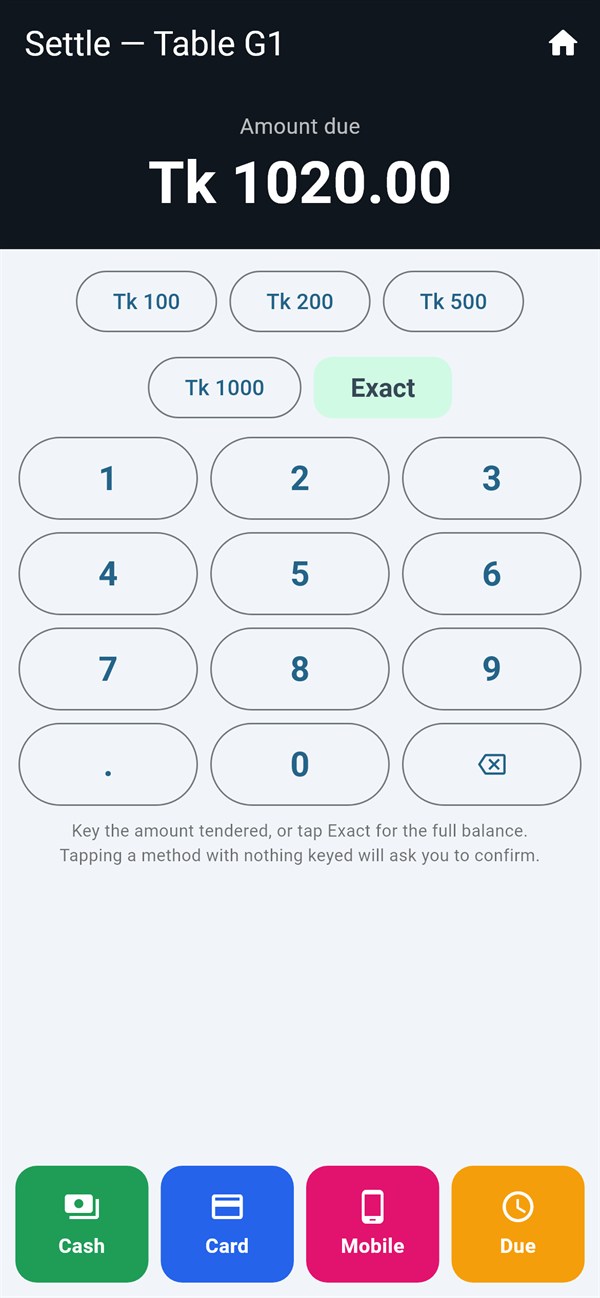
Quick-cash buttons, split by item or cover, and mixed tenders on one bill, with the change shown big and clear.
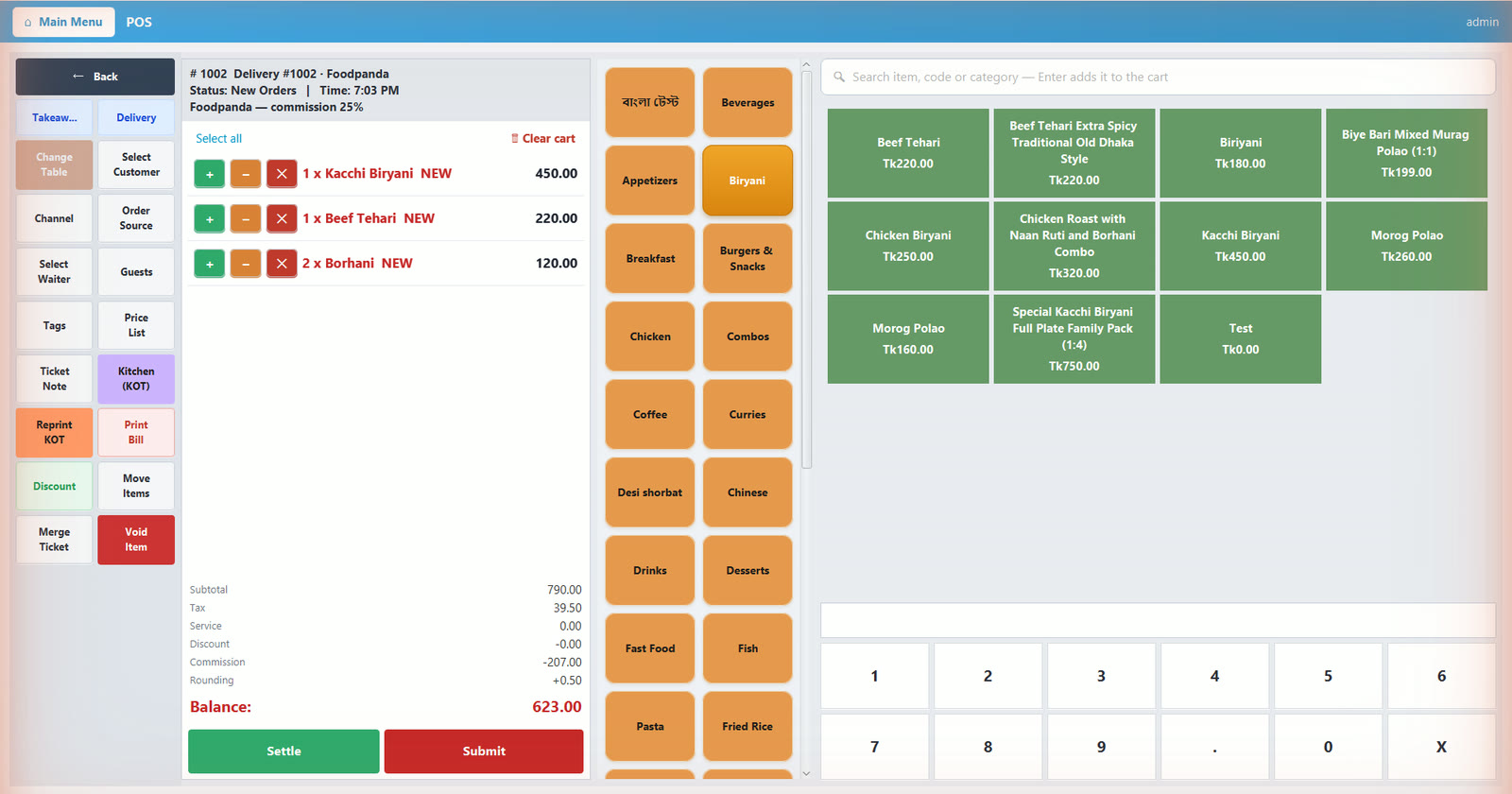
Tag each order with its channel and SyncFood deducts the platform commission automatically, so your net is always right.
No bolt-ons and no spreadsheets. SyncFood keeps sales, kitchen, stock and money in one dependable record.
Dine-in, takeaway and delivery billing, split settlement, discounts and customer dues.
Route each item to the right station, print or display tickets, and track how long orders wait.
Recipe-level deduction, purchasing, wastage, warehouse transfers and low-stock alerts.
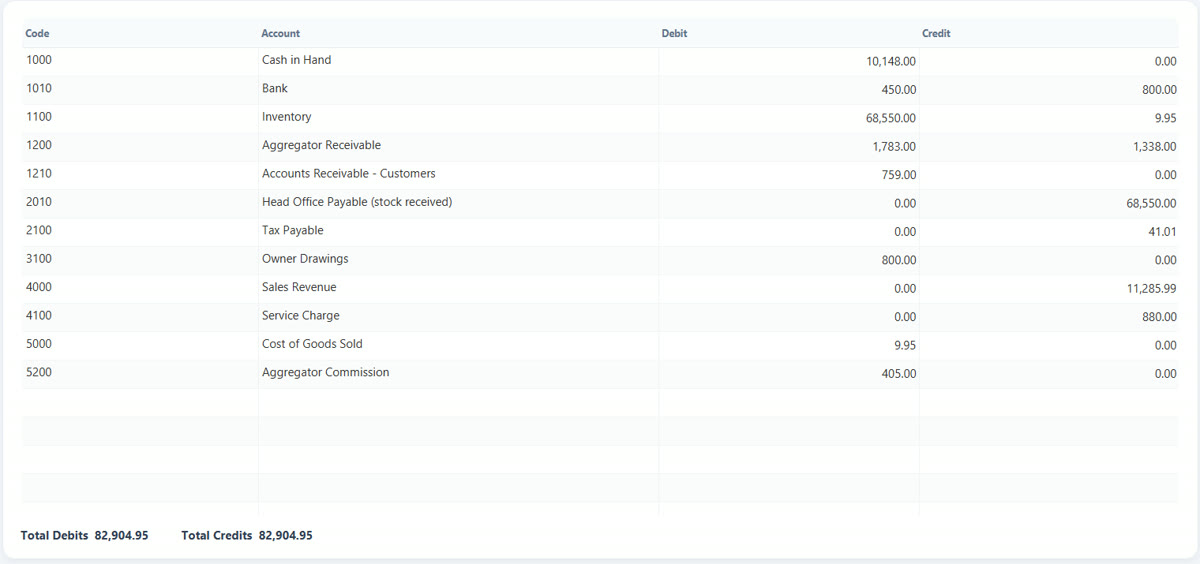
Every tender, aggregator settlements, NBR-ready VAT records, cash-in/out and work-period close.
Role permissions, PIN-protected actions and OTP-approved voids, with every exception on record.
Compare branches, move stock, run food-court counters and manage every terminal centrally.
Orders reach the right station on a kitchen screen, a KOT printer, or both. New and ageing tickets stand out, so nothing gets forgotten during the rush.
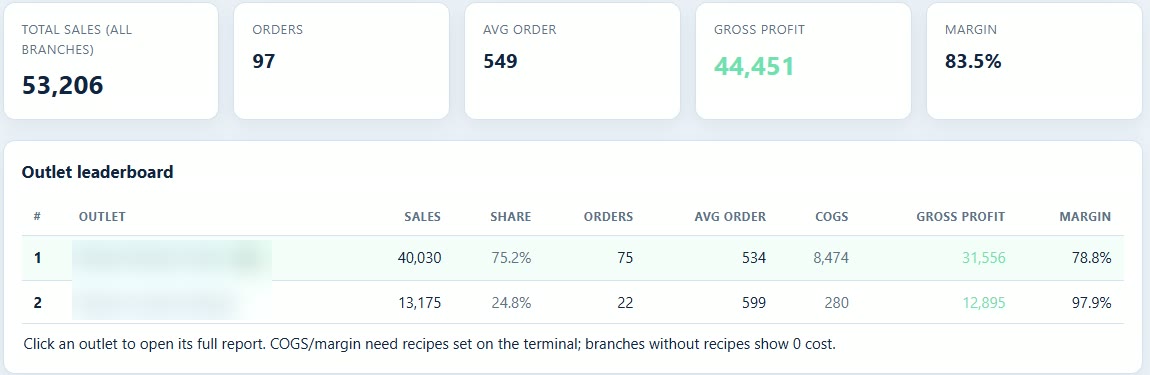
Every till syncs to the SyncFood cloud. Open the portal on any phone or laptop for sales, trends and the reasons behind them, from one outlet or all of them.
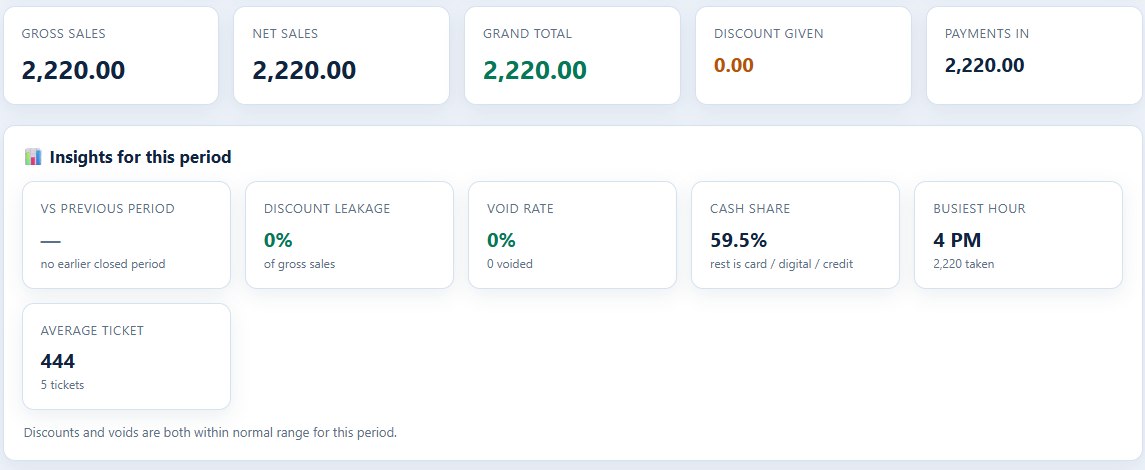
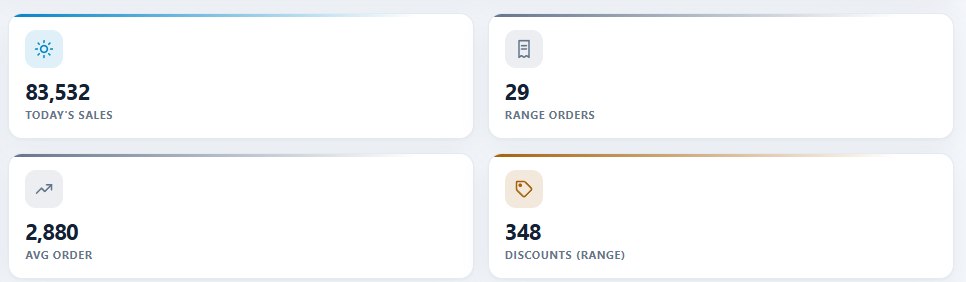
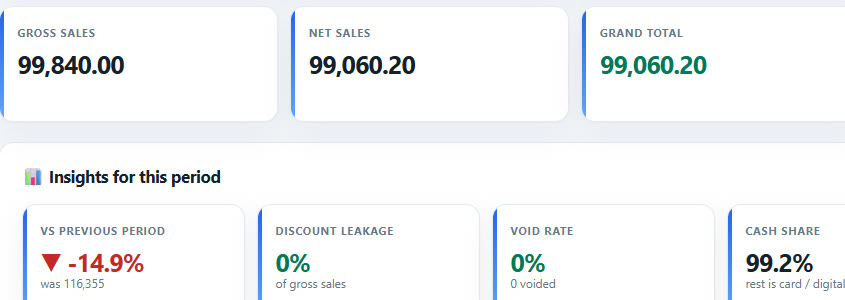

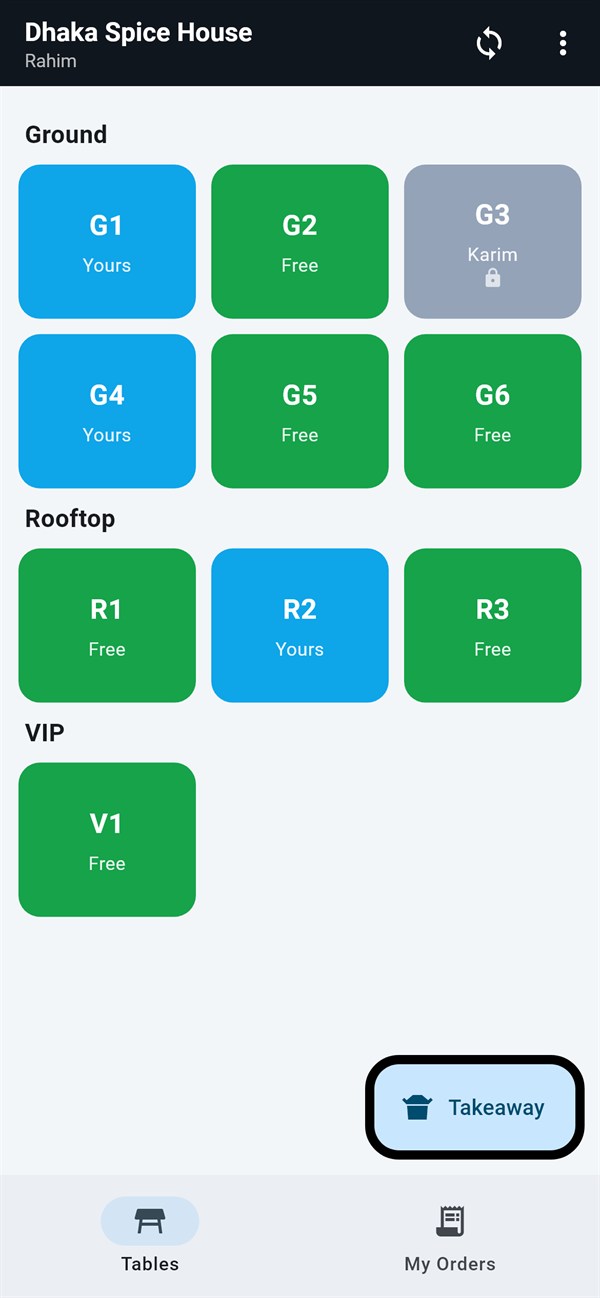
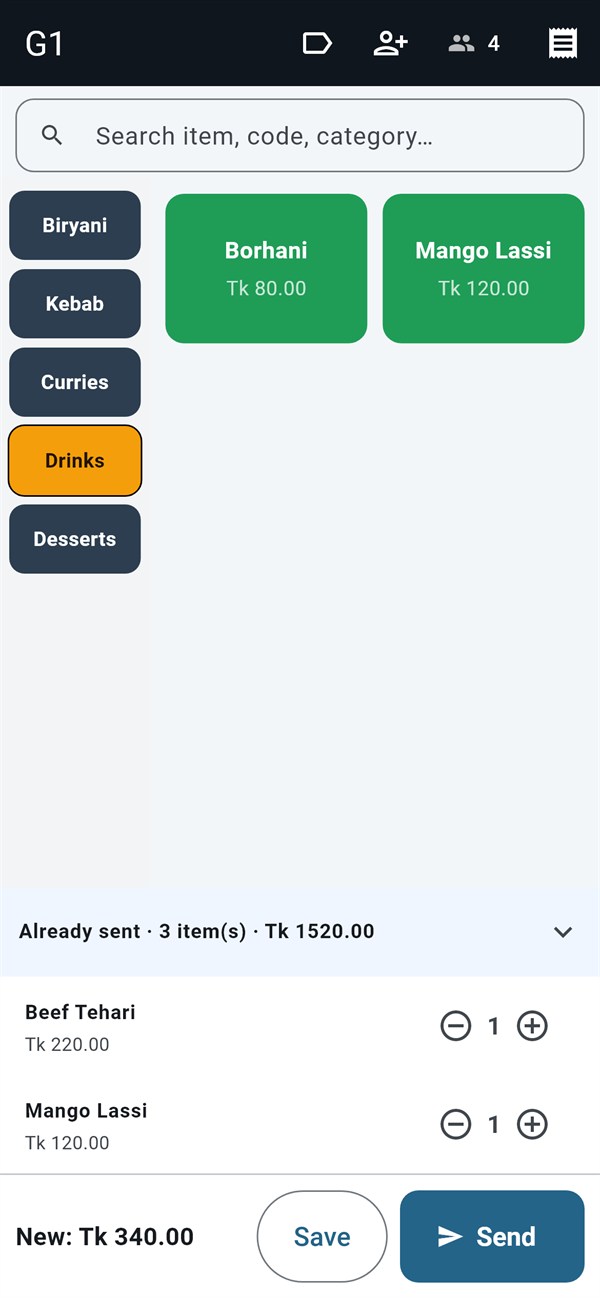
Waiters open a table, set covers and send items to the kitchen from an Android phone paired with the till over Wi-Fi. The till, the kitchen and the owner all see the same ticket.
For kiosks, food carts and small cafés. The mobile POS runs on its own with its own menu, tables and sales, works offline and reports to the same cloud portal.
The full till on any touchscreen or desktop PC, with cash drawer and thermal printers.
Waiter handhelds and a standalone mobile POS for kiosks, carts and small outlets.
Receipt and KOT printers by station, plus kitchen display screens.
Reports, licences, backups and updates for every outlet from your browser.
No lock-in, no setup fee. Pay securely online and activate your terminal in minutes.
Already a customer? Renew from your portal →
Nothing changes at the counter. Billing, KOT printing, tables and payments run on the local till. Sales sync to the cloud automatically when the connection comes back.
Any Windows PC or touchscreen terminal from roughly 2010 or newer, plus a thermal receipt printer. Add KOT printers or a kitchen screen per station. Waiters and the mobile POS use Android phones or tablets.
Cash, card, bKash, Nagad, Rocket and any custom tender you add, including split and partial payments, customer dues and delivery-platform settlements with commission.
The till's local database is encrypted, and your data is backed up to the SyncFood cloud. Sensitive actions such as voids and discounts are protected by PIN or OTP and recorded for audit.
Yes. Each outlet runs its own terminals, and the owner portal shows them together or one at a time, with stock transfers, requisitions and central control.
Yes. Menus, receipts and screens work in Bangla and English, and you can mix both on the same menu.
Choose a plan, pay online and you'll receive a licence to activate your terminal. Updates install automatically, and you can renew from the client portal at any time.
Set up your first terminal today and see every shift live tonight.